
DUO - 2개 접속, 30일
Windows PC 2대에서 쓰는 키 1개, 30일.
정상 가격: US$10.99Desconto lançamento · 10% 할인
캠페인 가격: US$9.89
하루 접속 1회당 US$0.16
캠페인은 2026년 11월 23일에 끝납니다.
- 30일 이용
- 기능 제한 없는 소프트웨어 전체
- 30일 동안의 업데이트
- 티켓 지원

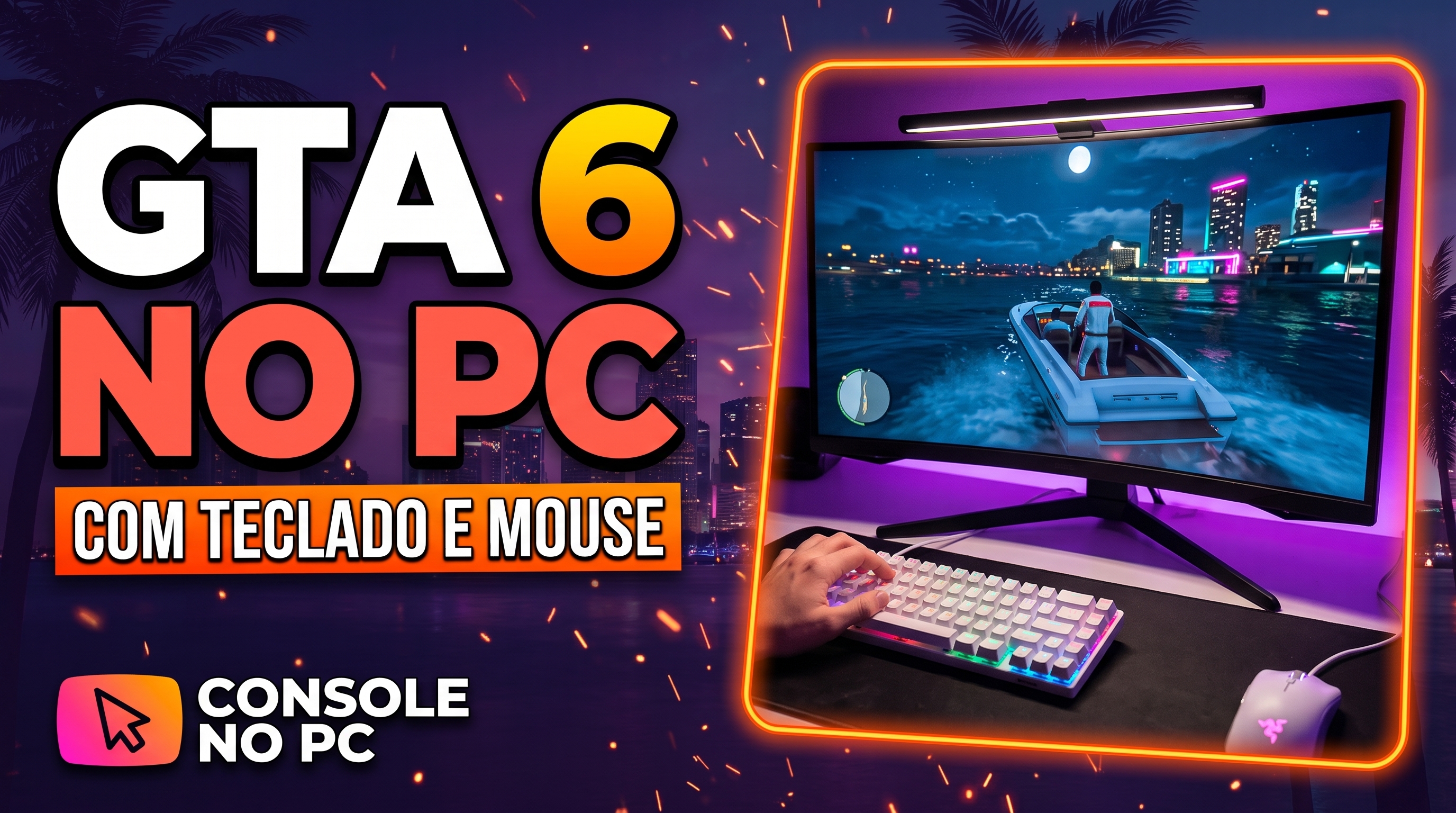 공식 데모실제 데모 보기데모 센터 열기
플레이 방식이 곧 달라집니다.
콘솔 게임을 키보드와 마우스로 하는 새로운 방식.
PlayStation과 Xbox 콘솔용호환성은 콘솔별, 게임별로 확인됩니다. 내 기기를 먼저 확인하세요.
직접 해보세요. W, A, S, D를 누르고 마우스를 움직여 보세요.
The app has grown. These are the features you use today, shown with the app's own screens.
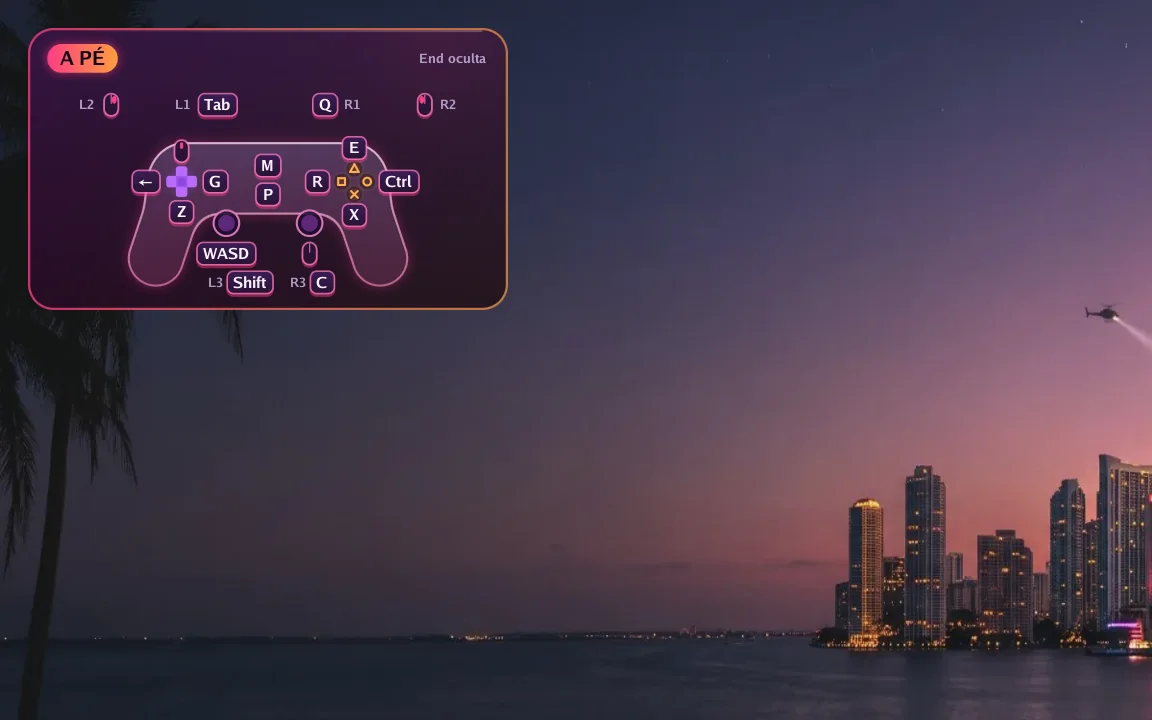
In game
A small controller in the corner shows which key does each button right now. Hold F1 to see every key and press End to hide it.
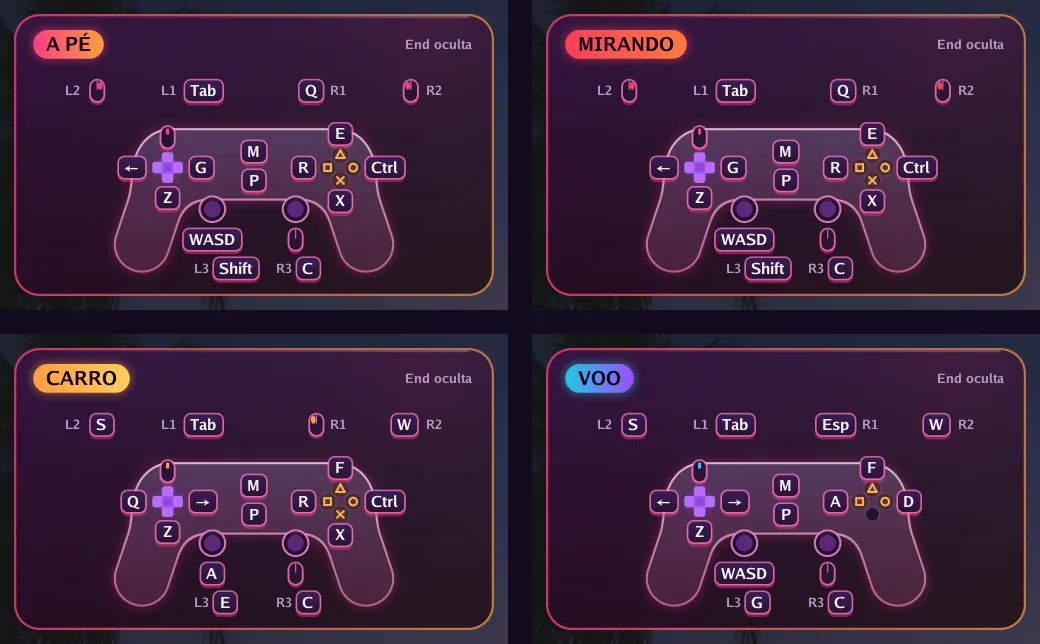
Automatic switching
On foot, aiming, driving, flying or in a menu: each situation has its own keys, and the app switches on its own. In GTA VI it reads the controller's own signals to know when you get in or out of a vehicle.
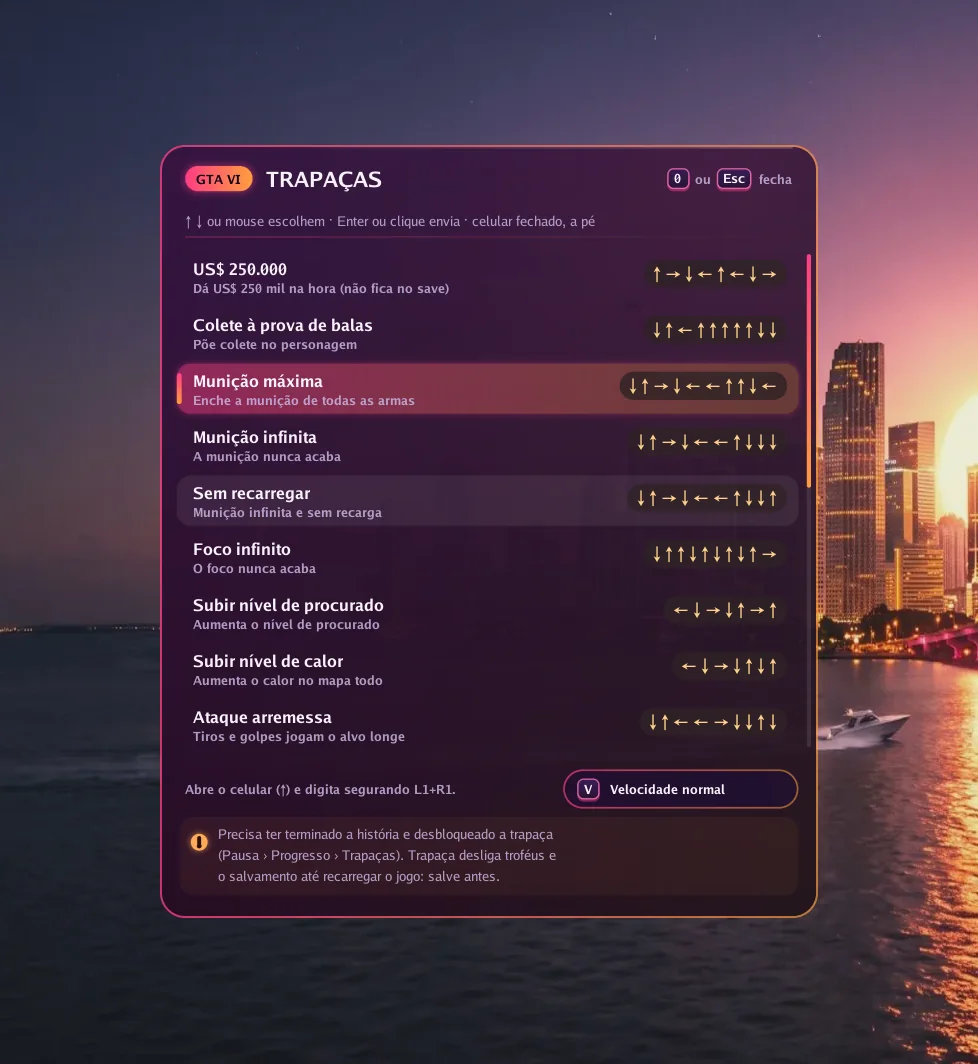
GTA VI
Press 0 in game, pick one of 19 cheats and the app types the button sequence for you, at normal or slow speed.
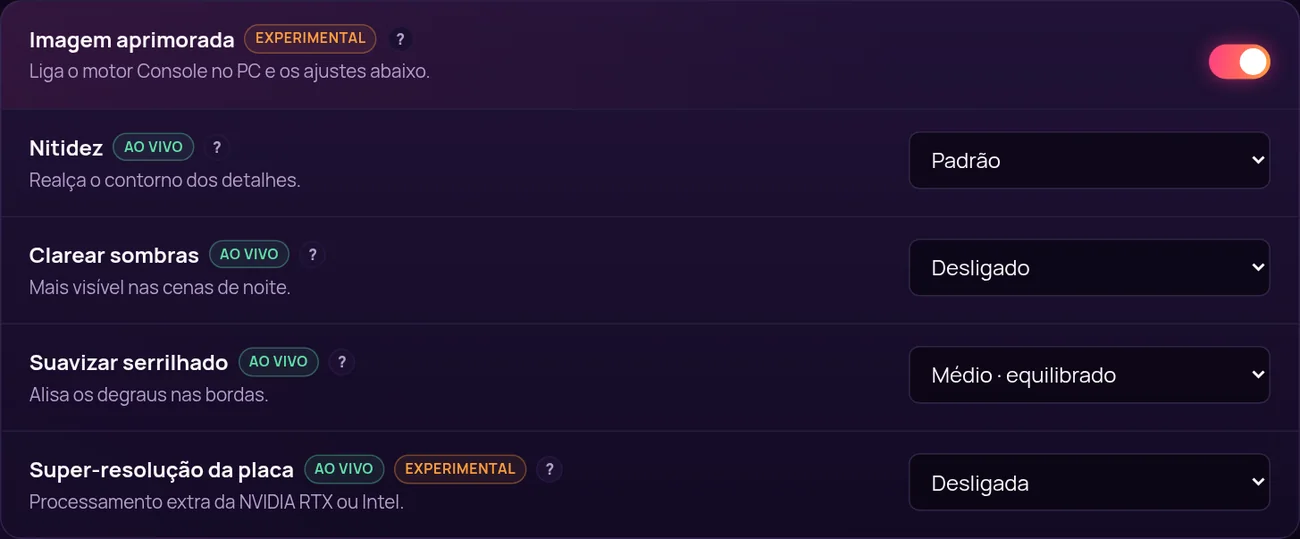
Picture
With Enhanced picture on, the app uses its own image engine and unlocks settings that change instantly, with the game open.
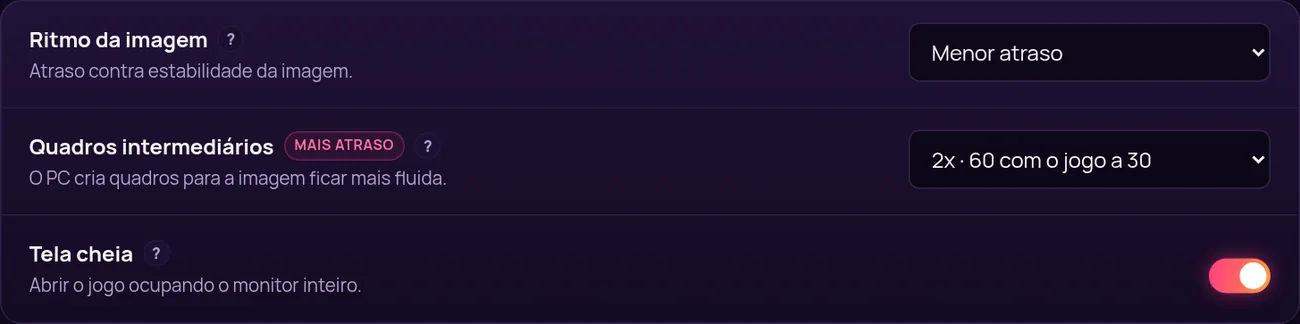
Smoothness
Frame generation creates in-between frames: 60, 90 or 120 frames per second with the game at 30. In exchange, response gets about 17, 22 or 25 ms slower, and you decide if it is worth it.
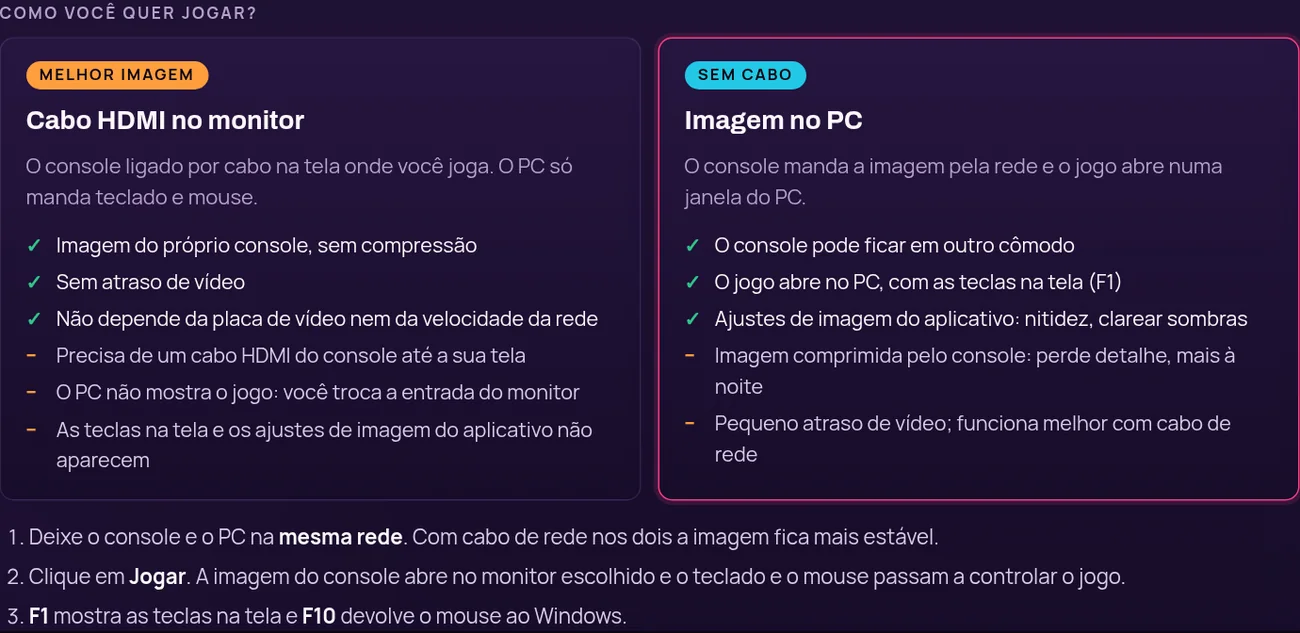
Your way
Plug the console into your monitor with HDMI for the console's own picture with no delay, or get the picture over the network in a PC window, no cable.
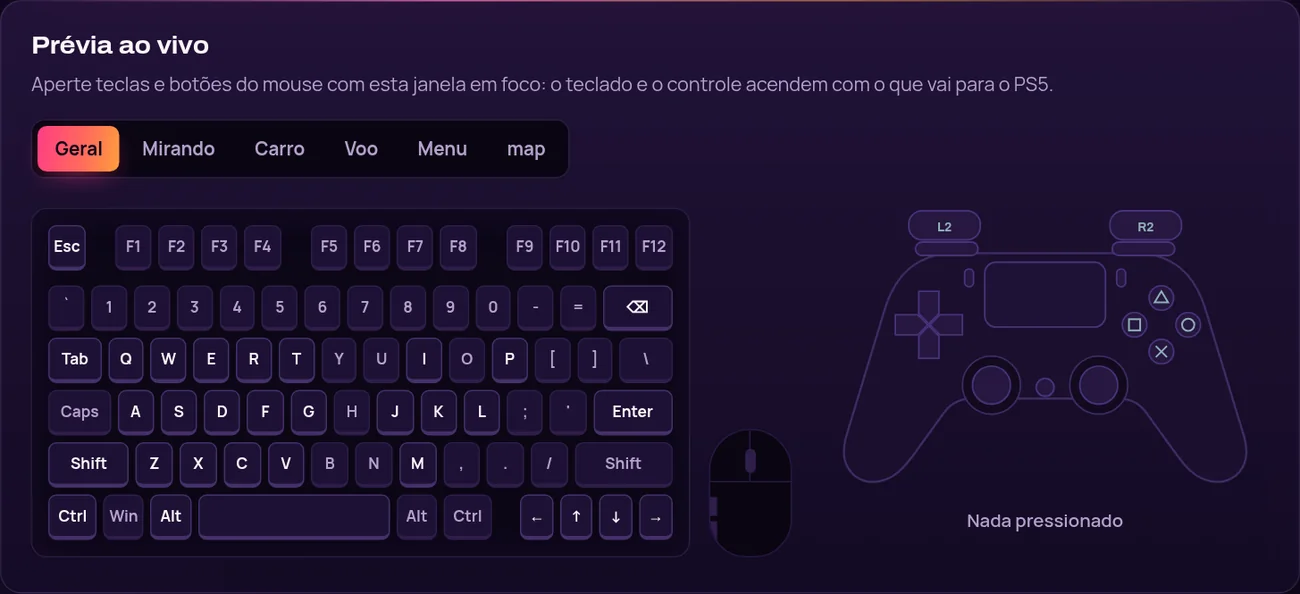
Setup
Click a key and press the new one. While you test, the drawn keyboard and controller light up with what goes to the console.
저희 팀이 녹화한 Console no PC 작동 영상입니다.
Como configurar
콘솔, 모델, 게임, 버전으로 검색하세요. 공개된 테스트가 첨부된 항목만 확인됨으로 표시됩니다.
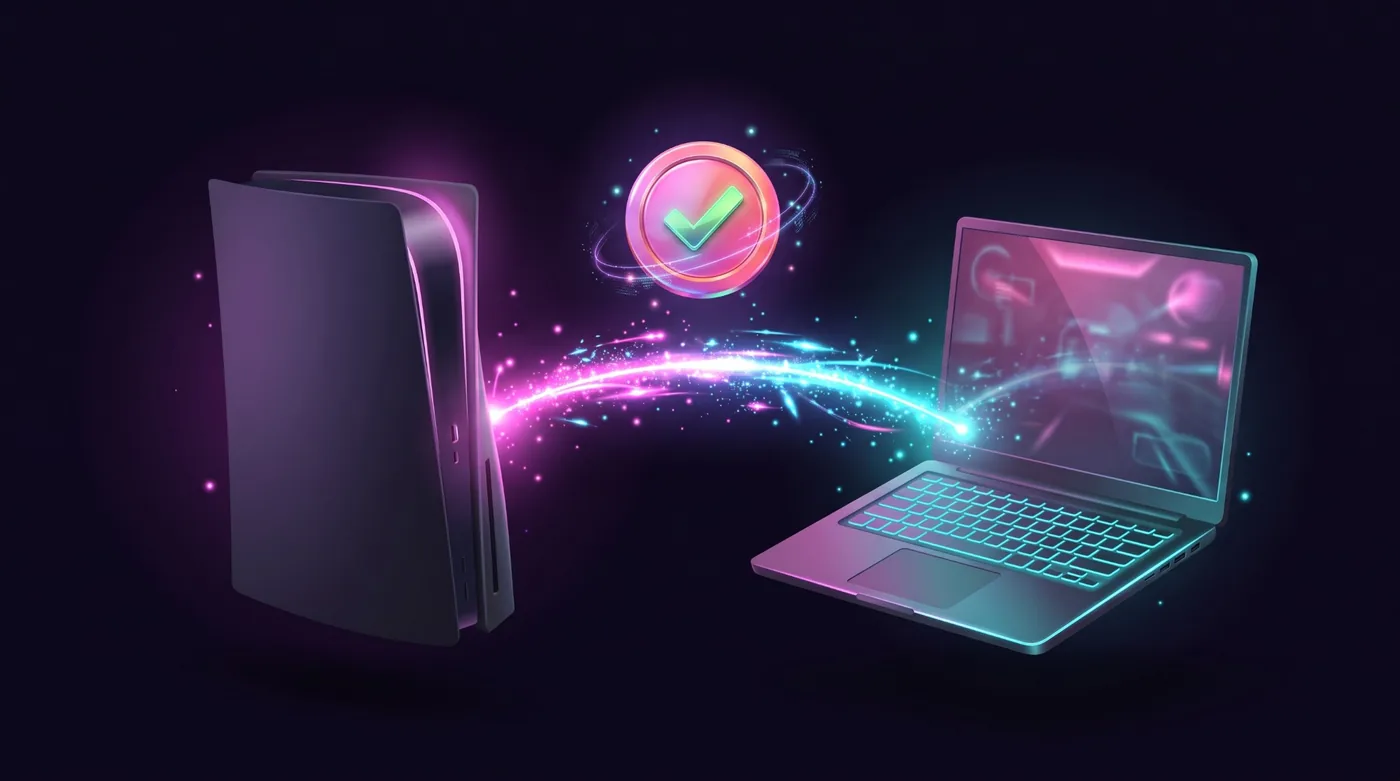

PlayStation 5

PlayStation 5

PlayStation 5

PlayStation 5

PlayStation 5

PlayStation 5
네 단계. 세 번째가 가장 오래 걸리고, 한 번만 하면 됩니다.

플레이할 기간에 맞춰 플랜을 고르고 내 통화로 온라인 결제하세요.

라이선스 키가 이메일로 도착하고 내 콘솔 포털에도 남습니다.
Windows 앱을 다운로드하고 키를 입력한 뒤 설정 가이드를 따르세요.
호환성 데이터베이스에서 내 콘솔과 게임을 확인한 뒤 플레이하세요.
제품은 하나, 기간은 넷. 모든 플랜에 업데이트와 지원, 내 콘솔 포털이 포함됩니다.
Windows PC 2대에서 쓰는 키 1개, 30일.
정상 가격: US$10.99Desconto lançamento · 10% 할인
캠페인 가격: US$9.89
하루 접속 1회당 US$0.16
캠페인은 2026년 11월 23일에 끝납니다.
추천
설정하고, 키와 마우스를 다듬고, 내 속도로 플레이할 한 달.
US$8.99
하루 접속 1회당 US$0.30
몇 달마다 다시 사지 않고, 키 하나로 1년.
US$20.99
하루 접속 1회당 US$0.01
Renews automatically by card, or by a new Pix before each period ends. Cancel any time.
전체 플랜 비교